Laser Cutting & Engraving
From Illustrator artwork to personalized gifts and engineering prototypes
The Work
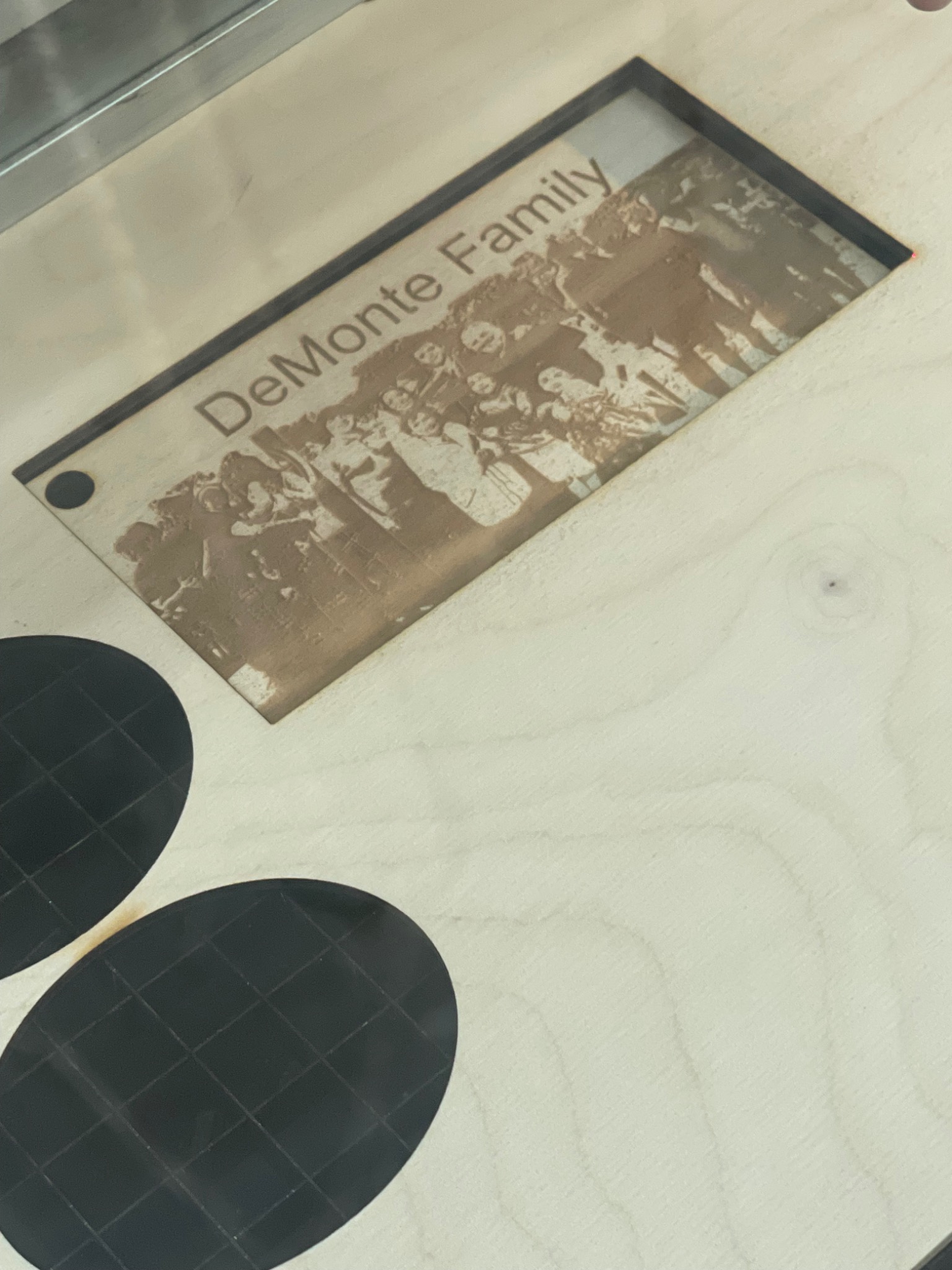
I used laser cutting and engraving to make personalized gifts for family and friends, including a family photograph and lettering engraved into wood. I also laser-cut the box frame for the gyroscopic bowl project from acrylic, connecting personal fabrication work with engineering prototyping.
Adobe Illustrator
Trotec Speedy 300
80W CO₂ laser
The Foundry
Machine Shop, Room 035
My Workflow
Prepare the Artwork
I prepared the design in Adobe Illustrator. For the wooden keepsake, the artwork combined a family photograph with lettering.
Define Cuts and Engraving
I used the machine’s color convention to distinguish operations in the Illustrator file: red lines for cutting and black artwork for engraving.
Move From File to Fabrication
I worked from the desktop connected to the Trotec Speedy 300 to turn the Illustrator design into the physical piece. The laser cut the defined outlines and engraved the marked artwork.
Apply the Skill Across Projects
I made gifts for family and friends and laser-cut an acrylic box frame for the gyroscopic bowl project. That gave the same digital design workflow both a personal and an engineering application.
Equipment & Materials
The Speedy 300 I used was an 80W CO₂ laser. Acceptable materials for this machine included thin wood, acrylic, poster board, and cardboard. The photographed project was made in wood.
Skills Applied
Adobe Illustrator · Digital fabrication · Cut-path preparation · Engraving layout · Laser cutting · Laser engraving · Mechanical prototyping